


Beautiful Photos
Make every tab beautiful & inspiring with stunning Unsplash backgrounds, a minimalist clock, and daily motivation.
Add to ChromeDiscover a new, breathtaking photo every time you open a tab.
Stay on track with a clean, elegant time display.
Start fresh with uplifting words to boost your mood.
Quick notes, priorities, and gentle nudges.
Your New Tab Deserves Better.
Most new tabs feel either empty or overloaded. Beautiful Photos replaces both with breathtaking photography, a minimalist clock, and a little daily inspiration.
Everything you need to reset, refocus, and move forward.

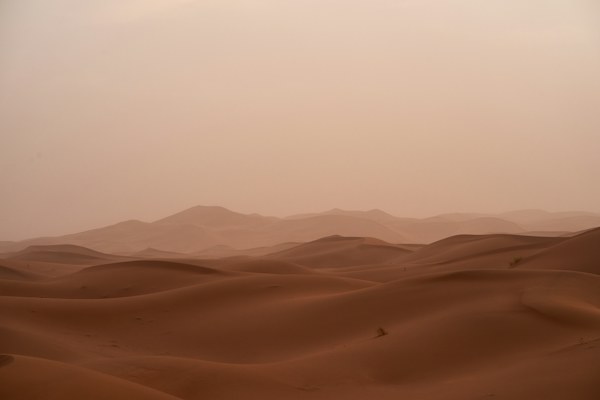

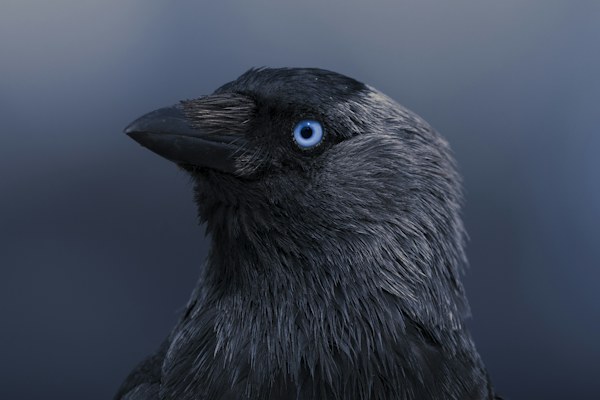

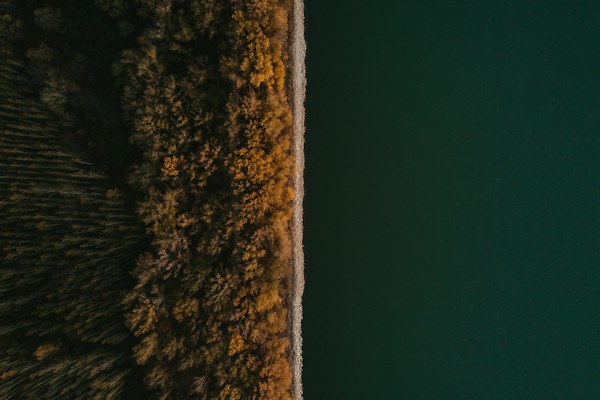

More Than a Beautiful View.
Minimalist Clock
A clean, elegant clock to keep you on track throughout your day.
“Make room for something wonderful today.”
Daily Quotes
Thoughtful quotes to keep you inspired and see each day differently.
One thing at a time. You got this.
Personal Reminder
Add your own text: goals, deadlines, or mantras that keep you focused.
Loved by Focused, Inspired People Around the World
I used to use the Unsplash extention, and were looking for a replacement. I've tried many, but they were either to slow or repeated the same photos. This one is even better and faster. Great job!
Great photos! Can even change your mood sometimes.
This is what I was looking for. Nice pictures on my new tabs without a lot of clutter but just enough to download the picture or recognize the photographer. Nice!!!
Beautiful Photography in Every New Chrome Tab
Beautiful Photos replaces Chrome's default new tab with photography from Unsplash. Over the photo, you can keep a clock, a daily quote, or your own personal reminder. The extension is completely free.
At a Glance
- Free Chrome new-tab extension.
- Works in Chrome on a computer.
- No Beautiful Photos account required.
- Unsplash photography with photographer credits and profile links.
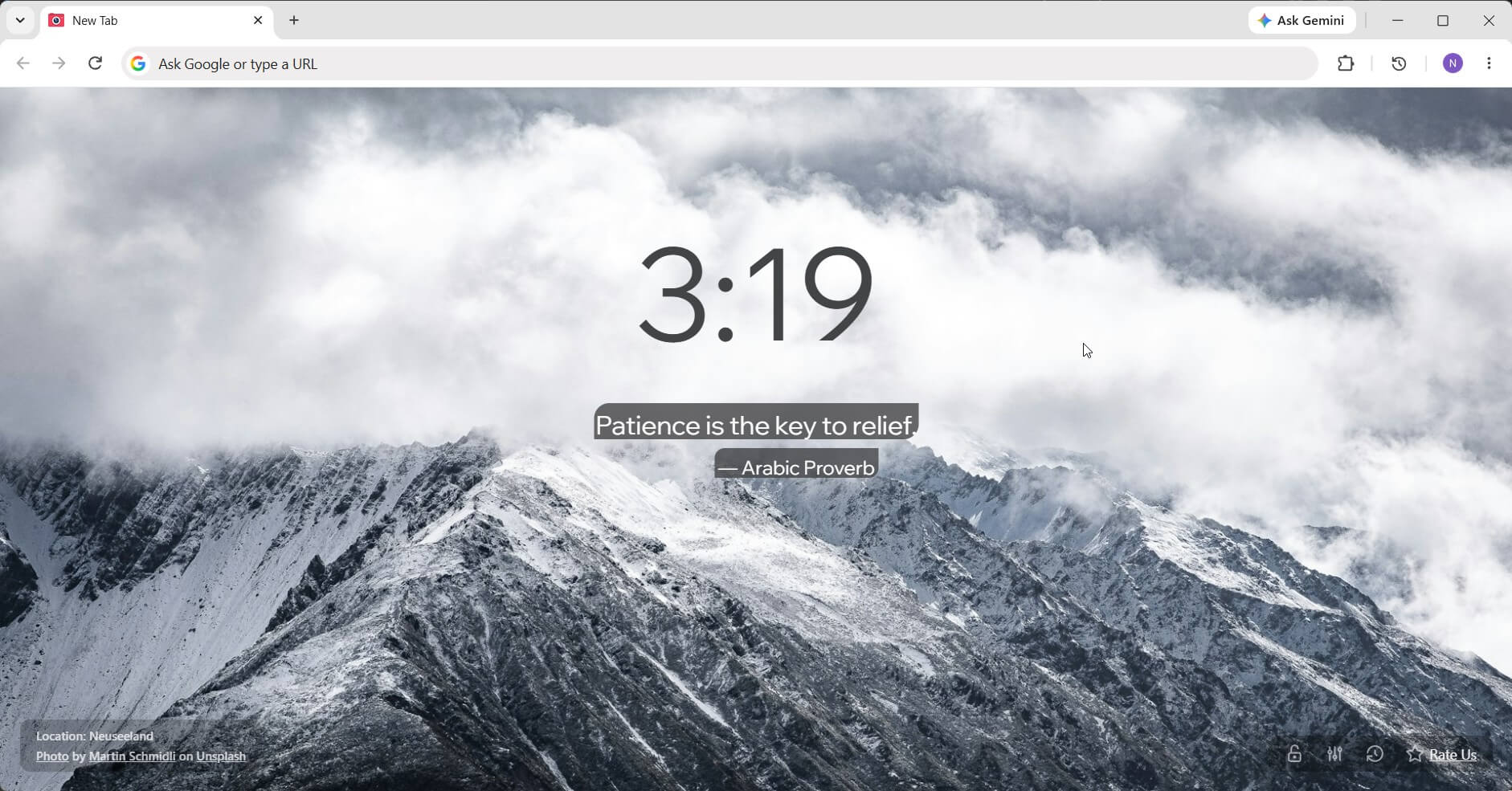
What Changes Once You Install It
When you spend hours working in a browser, you see the new tab constantly. You want it to look pleasant, but searching for and swapping wallpapers manually gets old fast. Beautiful Photos takes care of selecting photography for you.
From there, you can adapt the tab to your own daily routine:
- Keep the photograph clean without clocks or quotes.
- Display the time large enough to read at a quick glance.
- Add a few words you want to see often: a reminder, a goal for the week, or a favorite phrase.
Being able to truly appreciate the photo matters. That is why the clock and text can be turned off: if today you just want to look at mountains, you can simply leave the mountains.
Keep Any Photo You Love
Photos come directly from Unsplash. The tab includes a photographer credit and link so you can explore more of their work.
When it comes to background changes, you have choices:
- Pin a photo you like so it stays across subsequent tabs.
- If you already switched away, check the recent photo history and select it again.
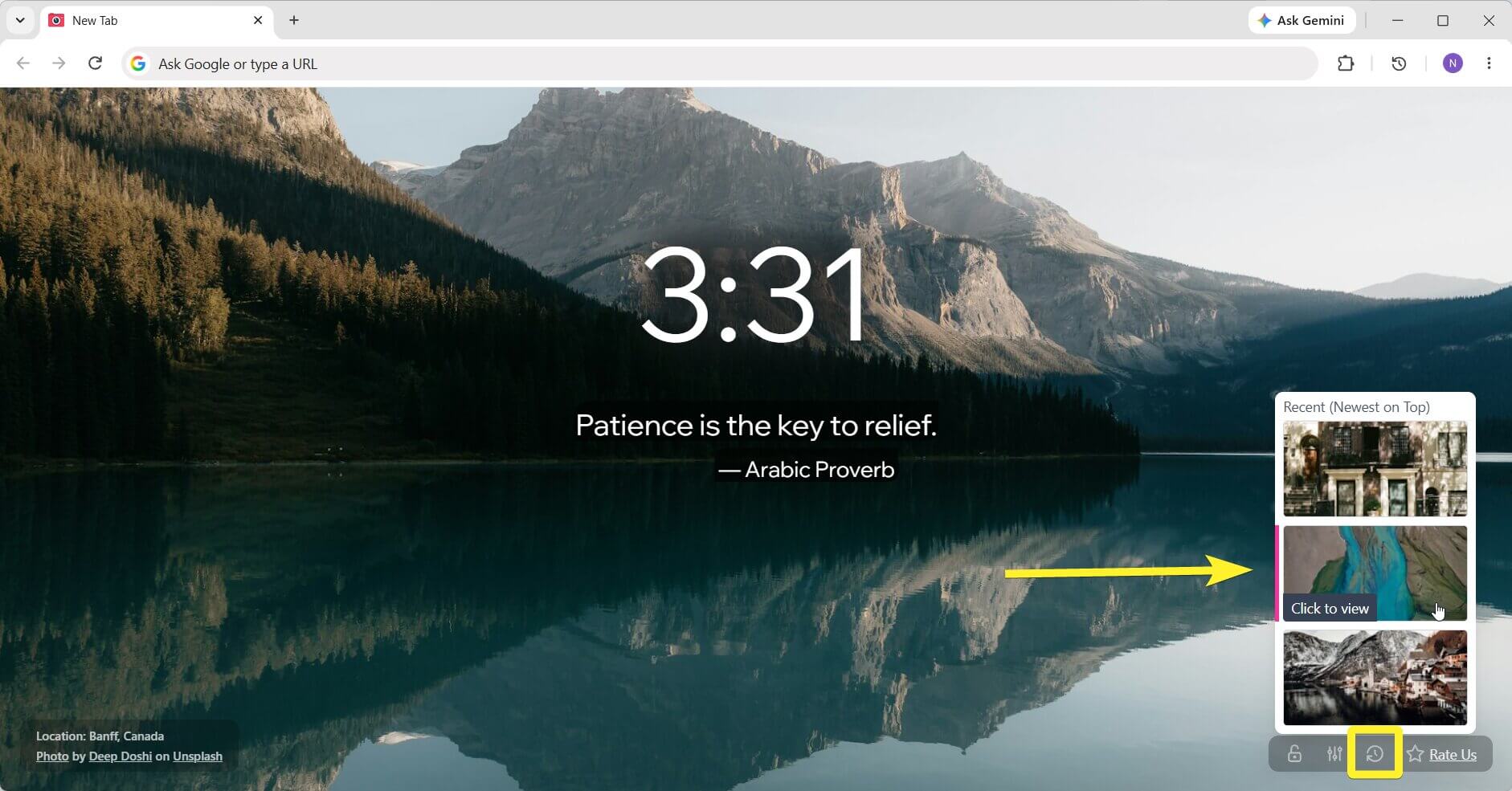
This is handy when you stumble upon a background you would love to keep all day. Whenever you are ready for something new, simply unpin it.
A Clock and Reminder Made for You
You can switch the clock between 12- and 24-hour formats, enable seconds, and customize font style, size, and weight. If numbers ever get lost against a textured background, a background blur setting keeps time easy to read.
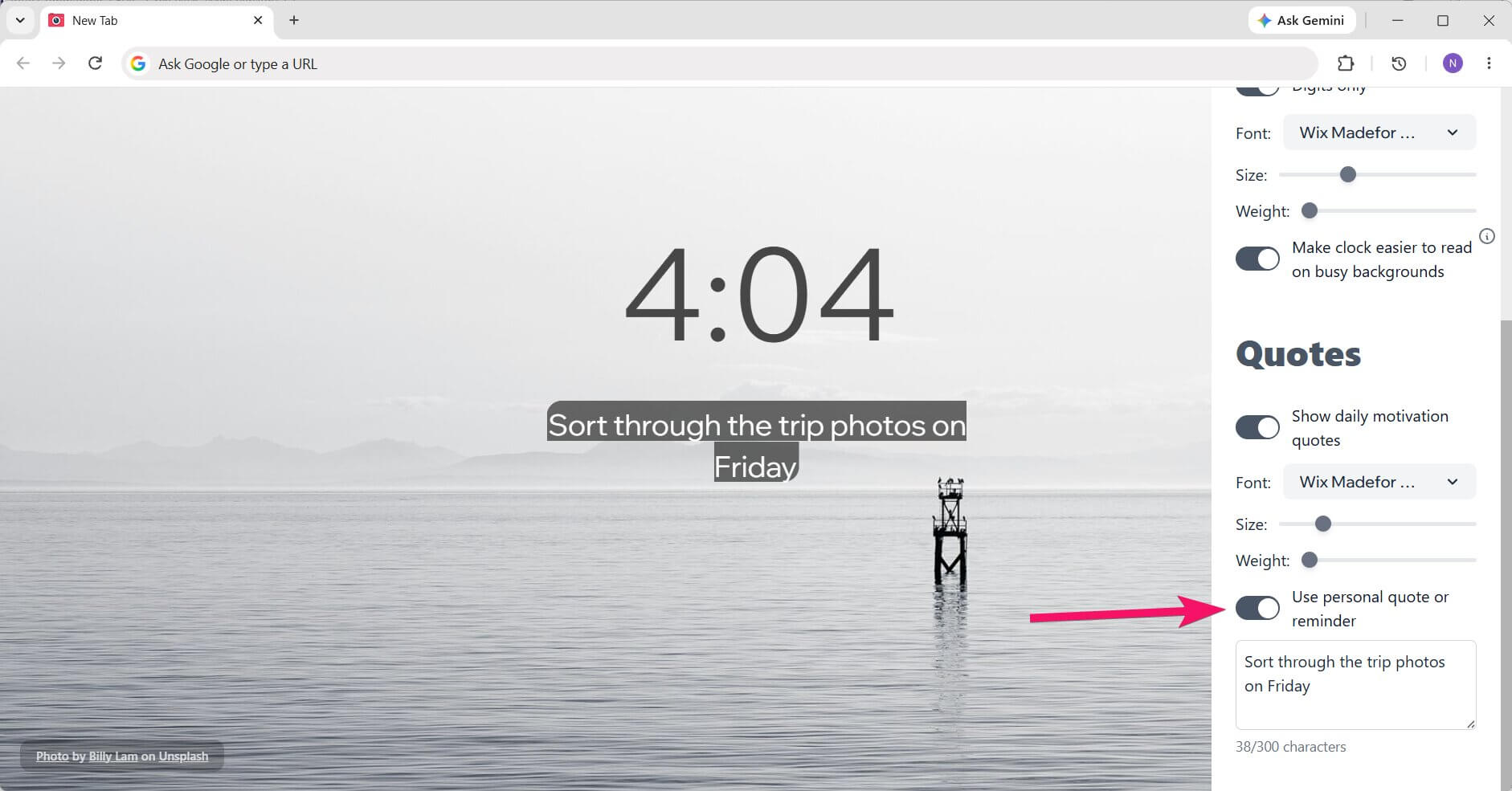
Instead of a daily quote, you can write your own message. For example, "Organize trip photos this Friday." It will appear right over the image, greeting you every time you open a tab.
A personal reminder works like a quiet sticky note in front of you. It has no alarms, timers, or noisy notifications.
Practical Ways to Use It
Beautiful Photos is built for anyone who cares about the everyday digital environment they work in. If you use Chrome often, the new tab becomes a meaningful part of that space.
Here are a few ways people use it:
- Keep the clock visible while studying to stay aware of time without extra gadgets.
- Pin a single calming background on your work machine if constant changes distract you.
- Set a personal reminder after a vacation to sort through travel photos.
- Hide the clock and quotes completely when you want an unobstructed view of the scenery.
Getting Started and Pricing
The extension is completely free. You can install Beautiful Photos from the Chrome Web Store and instantly see how it looks in your browser.
- Click the install button on the extension page.
- Open a new tab.
- Open settings and choose what you want to show over the photo.
Start with just one or two tweaks: for instance, configure the clock and turn off quotes. You will naturally discover what you prefer after a few days of browsing.
Where Beautiful Photos Works
This is an extension for the desktop Chrome new tab. Photography loads automatically, so there is no need to manually download or resize wallpaper files before getting started.
Custom text is entered directly in settings, allowing you to add a short quote or personal note that displays right on the tab.
If You Used Unsplash Instant
Beautiful Photos serves as a natural alternative to Unsplash Instant. Both put Unsplash photography at the heart of your new tab. Beautiful Photos is especially worth exploring if you value custom reminders, recent photo history, and the ability to pin backgrounds you love.
The best choice simply comes down to what you use every day: whether that is just photography and time, or space for words that keep you centered.
Frequently Asked Questions
Is the extension free?
Yes. Beautiful Photos is free to install and use.
Do I need to sign up?
No. You do not need to create a Beautiful Photos account.
Does it work on phones?
Beautiful Photos is designed for Chrome on a computer. There is no version for mobile Chrome.
Where do the photos come from?
From Unsplash. Each new tab shows the photographer's name and a link to their profile, where you can explore more of their work.
Can I keep a background or return to an earlier one?
Yes. Pin a photo to keep it across new tabs. If the photo has already changed, you can select it again from recent photo history.
Where are my settings and reminders stored?
Photos and recent photo history are stored on your device. Settings and reminder text are saved in Chrome Sync storage: if Chrome sync is enabled, Google may synchronize them across your browsers.
When you request photos, our infrastructure receives your IP address and a random extension installation identifier. Read the Privacy Policy for more about data storage and how the website works.
What Is Coming Next
- Photo themes and categories. Choose what you want to see on your tabs: landscapes, architecture, people, or other collections.
- AI background generation. Describe an image with words and generate custom backgrounds tailored to your taste.
- Background change frequency. Choose when photos update: on every new tab, once an hour, daily, or on demand.